

help i need my kindle fire repaired
/ By Jonathan Hawkins / Kindle / 0 Comments

Kindle Fire Repair

Amazon Kindle Fires are extremely handy devices. Kindle Fire owners can read books, watch shows and movies, surf the web, go on their social media accounts, use apps, and more, all from their Kindle Fires. There is even a Kindle Fire option that is available now for just $50.


All of these factors have helped propel Amazon forward in the tablet market. Amazon is selling millions of these tablets per year. In fact, in the first quarter of 2016 alone, Amazon sold 2.2 million Kindle Fires! However, despite the immense popularity of Kindle, these tablets still frequently experience issues and problems. Here are some of the top Kindle Fire Problems.

 

pexels-photo-76942


  1. App consistently refuses to load


If you are one of the 50 percent of online shoppers who uses the Amazon app, or if you use other apps on your Kindle Fire, it can be extremely frustrating if your apps won’t load. There could be a number of different reasons why this is happening. However, there are also a few basic solutions that might work for your device.


One very simple thing you could try is uninstalling the app, turning off your device, restarting it, and then re-downloading the app. This may resolve this issue. Another thing that you could try is clearing the cashe. To do this, go to settings – Apps and Games – Manage All Applications. Once you are there, find the app that won’t load click on it, then click, Clear Cache.


  1. Device won’t start at all


This is yet another highly inconvenient and annoying issue that commonly occurs with the Kindle Fire. This too can prevent you from properly using your device. Here are some possible solutions for this issue.


The first thing that you should try is holding down the power button for 20 seconds. This will shut it down. Then press power again to see if the issue was fixed, and the device turns on again. This problem could also be caused by very little or no battery power. So shut down the device by hold the power button for 20 seconds. Then plug in the tablet, let it charge and try again. This could solve the issue.

 

pexels-photo-486991


  1. Device keeps shutting down


In addition to your device not turning on, if it keeps shutting down at random times, then this can also be a major problem. After all, how are you supposed to read the new book you just downloaded, or get caught up on Game of Thrones if your Kindle Fire keeps shutting down? Amazon is also spending $3 billion a year on video content. So it is important for both the company and for you that this content works!


This also could be caused by having low battery, so check that first. If that does not solve the problem, then reset the device by holding the power button down for twenty seconds, then press it again. If this also doesn’t work, then there might be an overheating issue. Remove the case, turn the tablet off for a little while and then try it again when it has cooled down. This could solve the problem.


Getting Your Kindle Fire Repaired


If you are having these issues with your Kindle Fire, or other ones, and you just can’t fix them yourself, then getting them professionally repaired is a great option. RockIt Repairs does Kindle Fire repairs. They can fix a wide range of Kindle Fire issues, and make your Kindle Fire work just like it did when you first bought it.


Getting your Kindle Fire repaired can be significantly less expensive than replacing it. Therefore, it many cases it makes good financial sense to have it repaired. Contact RockIt Repairs to get your Kindle Fire repaired today!
/ By Jonathan Hawkins / Phones / 0 Comments

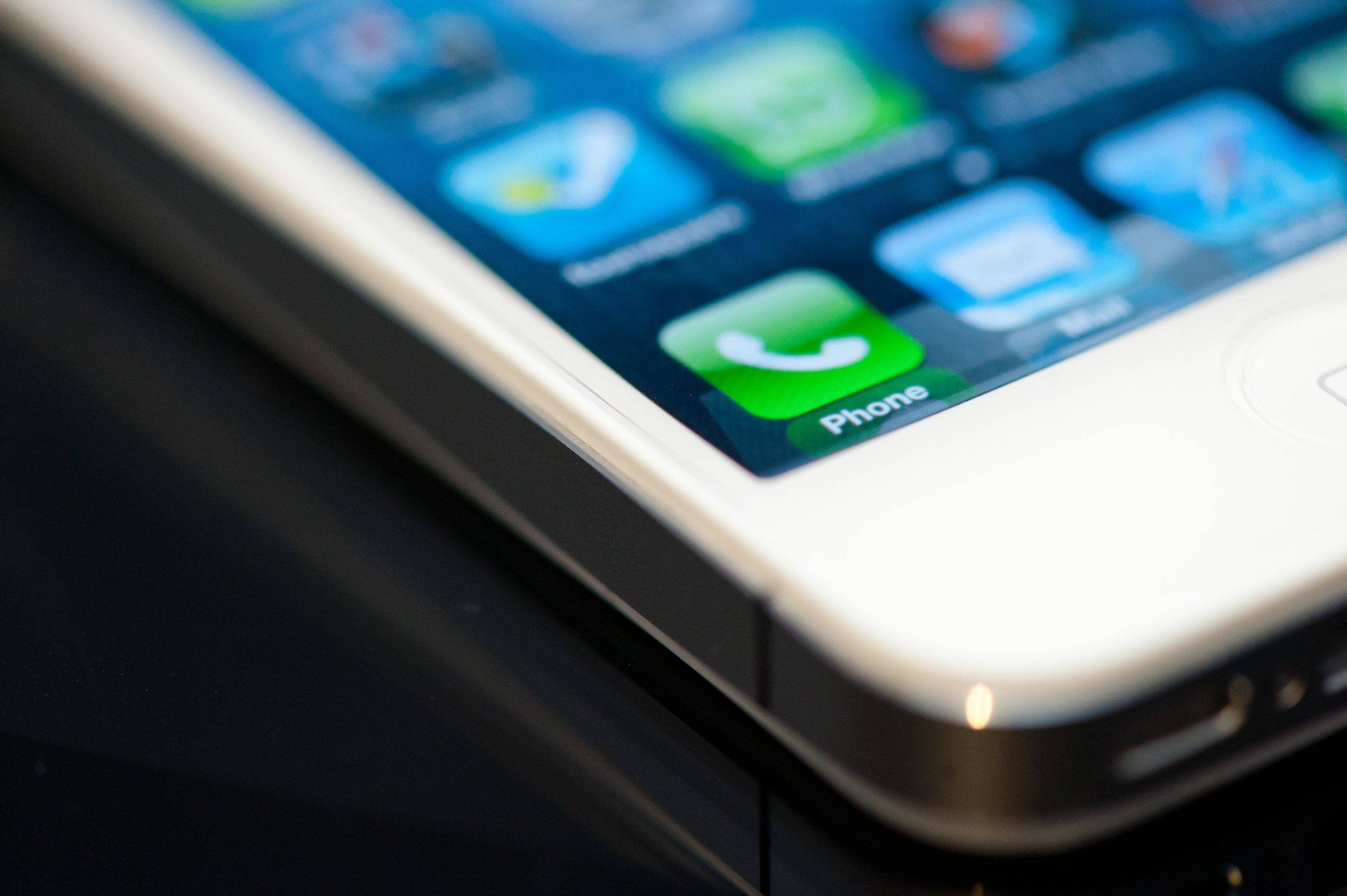
One of the best perks of owning a cell phone is the ability to customize your phone’s content with apps. You should, however, be aware that not all apps are beneficial, and some can take up large amounts of space and use up your data quickly. Be aware of the nature of the apps you install and monitor their data usage and effects on your phone.

Pre-installed apps

When you get a new cell phone, there are going to be apps that are already installed. These apps usually take up a good bit of your available storage depending on the brand you choose. Take this into consideration when you download additional apps to avoid low storage and data issues.

Apps with malware

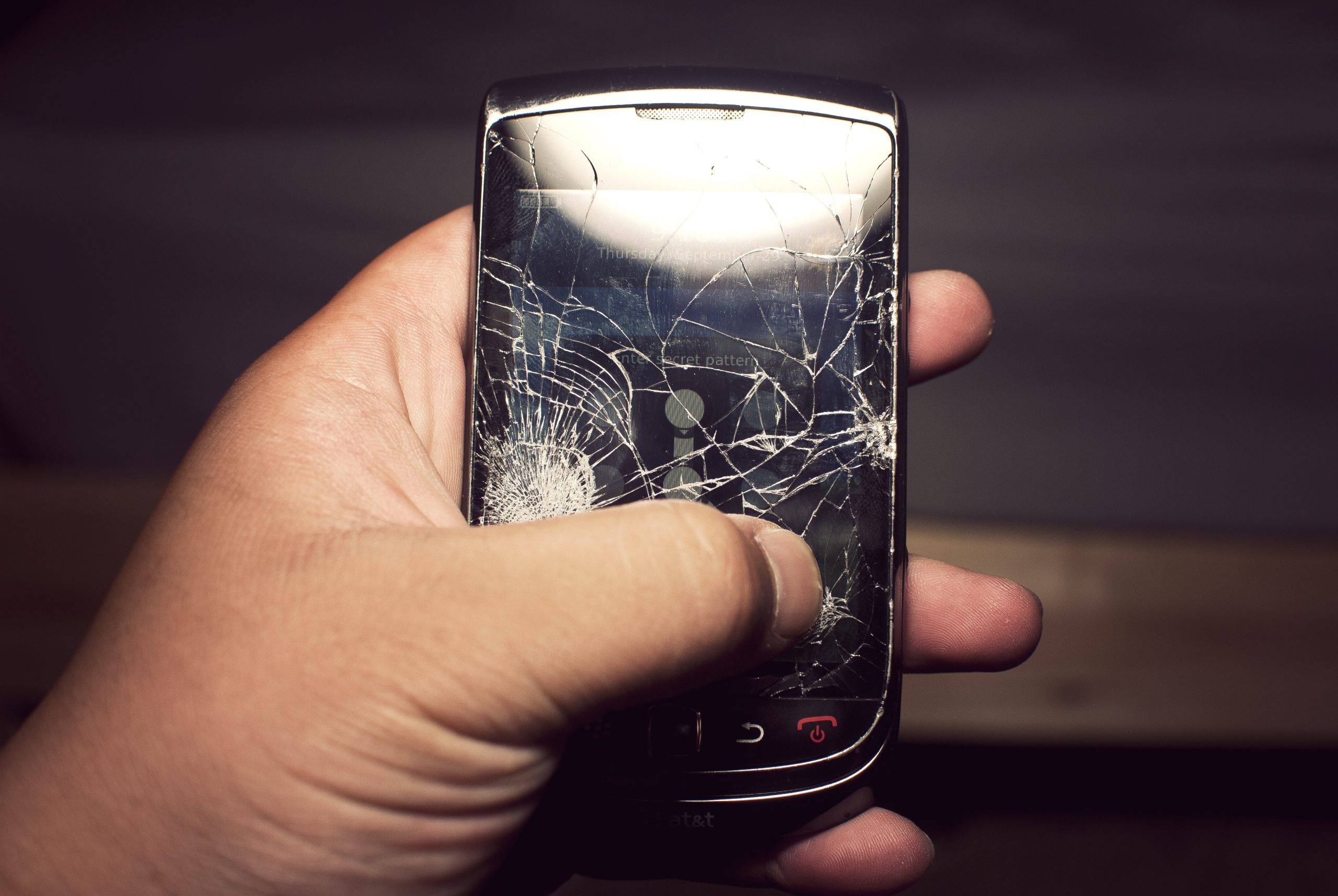
Some apps seem harmless enough and may feature positive reviews; however, these apps can really damage your phone with embedded malware. If you notice your phone acting strangely, or your antivirus gives you a new notification on a potential threat from the app, you should consider deleting it before it can damage your phone. If your phone does become damaged from such an app, you should bring it to a professional cell phone repair shop.

Phone space and data

Monitor the available space on your phone because having too many apps can quickly deplete the amount available. If you don’t use apps frequently, consider deleting them to make more space. Chances are, you probably don’t really need them if you haven’t used them in a few months. Some apps take up large amounts of space too, so take note of their size and determine if you really need them or not. Keep in mind that there are some apps that you may need to manually turn off when not in use to save data. You should be able to either perform this manually, or you may have an app manager installed on your phone that does this automatically.

Apps are a great feature of cell phones, but they can also cause issues if not carefully monitored. If you run into a problem you can bring your cell phone to Rockit Repairs cell phone shop to get it running normally again. Check out our website at rockitrepairs.com for more information.

/ By Jonathan Hawkins / Electronics Repair / 0 Comments

Whether we are talking about your phone, laptop, desktop, or tablet, there are plenty of ways to turn your valuable electronics into a useless pile of glass and circuitry. The good news is that the expert team at Rockit Repairs are able to undo the damage in most cases, and get you reconnected fast. However, staying aware of the biggest threats to your high-tech tools might just make cell phone repair services unnecessary.

Your favorite beverage

A laptop’s worst enemy also happens to be one of its most common tablemates. A tall mug of coffee might seem like the perfect way to complement your morning web browsing, but it only takes a misplaced elbow to correct that misperception. Worst of all, water damage is usually not repair-friendly.

Condensation

This is one that many laptop and tablet owners overlook, until it’s too late. While it might seem like a good idea to blast your favorite song in the shower, the excess steam can quickly build up inside your device, leading to long term damage. Fortunately, many new phone models are waterproof.

Gravity

It should come as no surprise that the most common mobile cracks, scrapes, and dents come from slippery fingers. And while a drop-proof phone has yet to be invented, you can at least rest easy knowing that suck damage is usually easy to repair. Better yet, just invest in a sturdy case.

Digital threats

With the number of high-profile malware stories in the news today, it should be no surprise that hackers, scammers, and the like rank alongside all of the physical threats to your hardware. Make sure to stay up to date with your antivirus software, and install a good firewall as soon as possible.

Password problems

In some cases, it doesn’t take an experienced hacker to get past your digital defenses and into your sensitive data. If you are still using 1-2-3-4, or the name of your cat as your device’s password, then it may be time for a change. Even better, try to use a different password for all of your devices.

/ By Jonathan Hawkins / Phones / 0 Comments

One of the simplest and most effective ways to protect your phone from damage is to buy a phone case. Before you make your selection, however, you should assess your individual needs to determine what type of case is going to best suit your needs.

Lifestyle and activities matter

Your phone case selection should fit your lifestyle, so don’t make the mistake of selecting a phone case based on how it looks or if you like the material it consists of. The best way to protect your phone from costly repairs or possible replacement is to figure out what types of dangers your phone faces daily, and then choose a phone case that offers substantial protection from those dangers. For example, if you work in the construction field, you are going to want to purchase a phone case designed to protect your phone from impacts and falling debris. You should invest in the more reputable brands known for being able to take a great deal of abuse. If you are into watersports or tend to go hiking quite frequently, you are going to want to get a phone case that can give you some type of protection from the water. There are several brands specifically designed to keep your phone safe from water damage.

Quality matters

When choosing your phone case you are going to want to invest in the best product you can afford. Having the right case can help prevent the need for phone repairs. Do some research before you buy your case to find out what your options are, and decide what the best model is going to be for your individual needs. If you find that you still need a cell phone repair, make sure you select a reputable company that can help you save money, such as RockIT Repairs. Stop in or call us for more information on our services.

Selecting a good phone case that fits your lifestyle is important because it helps prevent damage and prolongs your phone’s life. Select the most well-made model you can afford and do some research before making a purchase. If you find you need repairs, have a reputable company in mind that can get the job done and saves you money.

cell-phone-charging-problems
/ By Jonathan Hawkins / Charging Problems / 0 Comments

Cell phones are incredibly handy devices that can provide you with many benefits. However, if your cell phone breaks and stops working properly, then this can be very frustrating. This is especially true if something happens, and your cell phone can no longer get charged.

Smartphones typically need to be charged every 1-2 days, so if your phone can’t charge, you will not be able to use it very quickly. There are many causes for your cellphone to lose its ability to charge. Here are some of the top ones.

13567280_1335050209856724_4399228850660312478_n

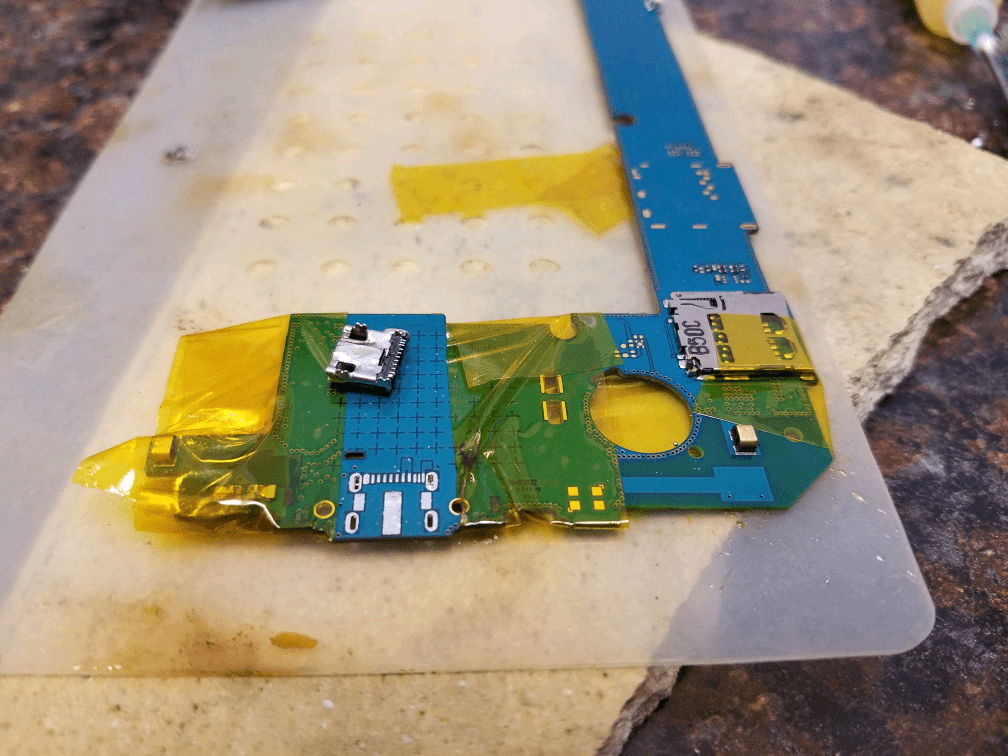
Charging Port Replacement


Broken Charging Port

Your charging port can become damaged for a number of reasons. For example, if you drop your phone, this can harm your charging port. Also, if accidentally yank your phone while it is charging too many times, this can cause harm as well. Whatever the reason may be, broken charging ports are an extremely common cause of failure to charge.

Dirt

Over time, dirt can build up in your cellphone’s charging port. This is especially true if you are someone who is frequently exposed to dirt. For example, if you work in landscaping, farming, construction, etc., then you may have a greater chance of experiencing a dirt buildup in your charging port. Too much dirt can prevent the charger from properly connecting to the charging port, resulting in a charge failure.

Dryer Lint

Like dirt, dryer lint is another thing that can build up inside your phone’s charging port and prevent it from charging properly. Dryer lint can also prevent the charger from properly connecting to the charging port on your phone. So, no matter how long you try to charge your phone for, if there is too much lint built up in the device, it is simply not going to charge.


13438783_1332422400119505_1535990135961016099_n

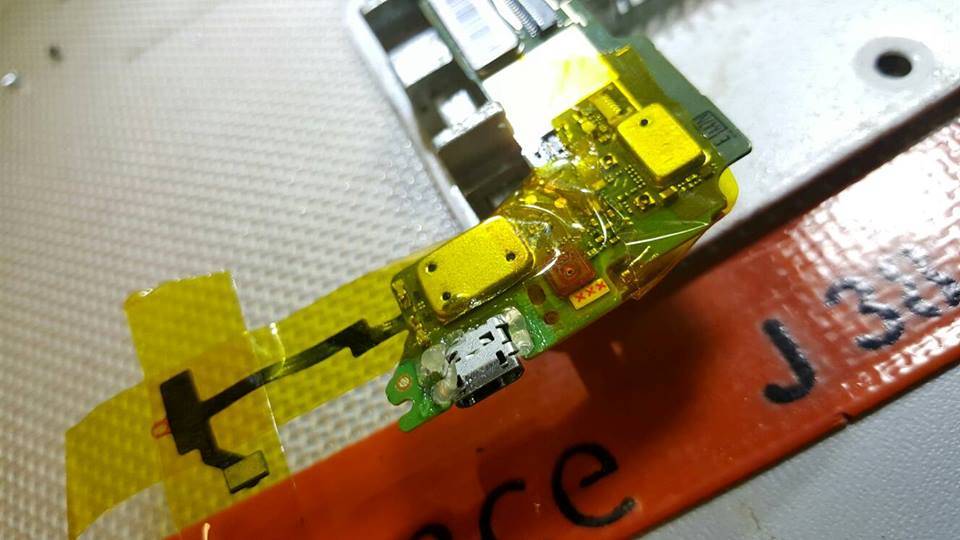
phone with replaced charging port


The Solution


If your phone won’t charge, then you may believe that you have to completely replace your phone to fix the problem. However, this isn’t true. You can simply get it repaired! Getting your phone repaired instead of replaced can save you hundreds of dollars, and you won’t even have to use your insurance for your phone. It is also significantly faster and more convenient. Here are repairs that can be made to help your phone charge properly again.

  1. Replacing the charging port                                                                                                                                     You may not be aware of this, but the entire charging port can be taken out and replaced with a new one. The new one can be soldered on to make your phone just like new! After the new charging port is in, your phone will be able to get fully charged once more. Replacing the charging port is actually one of the top four most common cell phone repairs.
  1. Cleaning the charging port                                                                                                                              Cellphone repair shops will be able to thoroughly inspect your charging port. It may be possible to remove dirt, lint, or other debris with special tools. However, sometimes, this is not possible and the port must be replaced. Also, if the port has been damaged, it must be replaced.
  1. Replacing the charger                                                                                                                                                     In some cases, the charger itself may be the actual problem. A good cellphone repair shop will inspect both your cell phone and your charger and will be able to easily get to the root cause of the issue. If it is the charger, a simple replacement can fix the issue! New cell phone chargers usually only cost about $15-$30.


RockIt Repairs is a high-quality cell phone repair company that can help you with issues such as a failure to charge. Please feel free to contact RockIt Repairs today if you have a cellphone issue that you need fixed!