
s3 cell phone repair
/ By Jonathan Hawkins / Cell Phone Repair / 0 Comments

Cell phones are incredibly useful devices. However, they also can be relatively fragile. Because of this, they can get easily damaged if they are dropped, stepped on, scratched, etc. If your cell phone breaks, then you have two options; you can buy a new one, or you can get your broken one repaired.

Some people instantly make the decision to buy a new one when their cell phone breaks. However, this can be a big mistake. Here are some great reasons why you should consider getting your broken cell phone fixed at a cell phone repair shop instead of buying a new one.
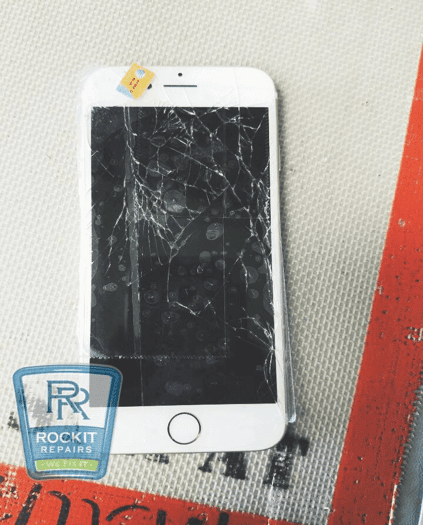
 

iphone 6 with cracked screen
Broken iPhone 6 cell phone


Benefits of Cell Phone Repair

  • Repairing is generally less expensive
    • Oftentimes, it can be significantly cheaper to fix a cellphone than it is to replace it. For example, it often costs roughly $100 to fix a cracked screen. However, it can cost $500 – $700 to buy a brand new smartphone. Many other issues are also less expensive to repair than to replace.
  • Faster to repair than replace
    • Repairing a cellphone can be done very quickly. Some repairs can even be done in minutes such as replacing a broken screen protector. Many others take a half hour, an hour, etc. When you compare this to the amount of time that many people spend researching phones, going to the phone store, dealing with the salesperson, and possibly even ordering and waiting for a new phone, repairs can be much quicker.
  • Don’t lose your data when repairing your phone
    • Oftentimes when phones are replaced, data can be lost. This can include contact info, apps, photo and video files, and more. It can be a major hassle to have to go through and try to build all of this data from the beginning. Getting your phone repaired versus replaced can help you to prevent undergoing this in many circumstances.
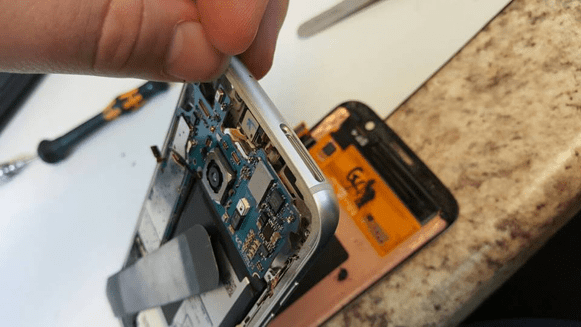
 

s6 cracked screen replacement
S6 Cracked LCD Replacement


Common Cell Phone Repairs


  • Cracked screen
    • Roughly one in five smartphone users has a cracked screen. This is because when a cell phone drops, the screen is often the part of the phone that is the most delicate, and the most subject to damage. Broken screens can be easily fixed at cell phone repair shops.
  • Broken Home Button
    • A broken home button can be a major issue. This is because unlike a cracked screen, a broken home button is not just a cosmetic issue. It can actually effect your ability to operate your phone. If you have a broken home button, it can be extremely inconvenient. But that doesn’t mean you should through away your phone and buy a new one! Most cellphone repair shops will be able to easily fix this problem for you. They can do this with cleaning techniques, or by replacing your home button.
  • Broken Charging Ports
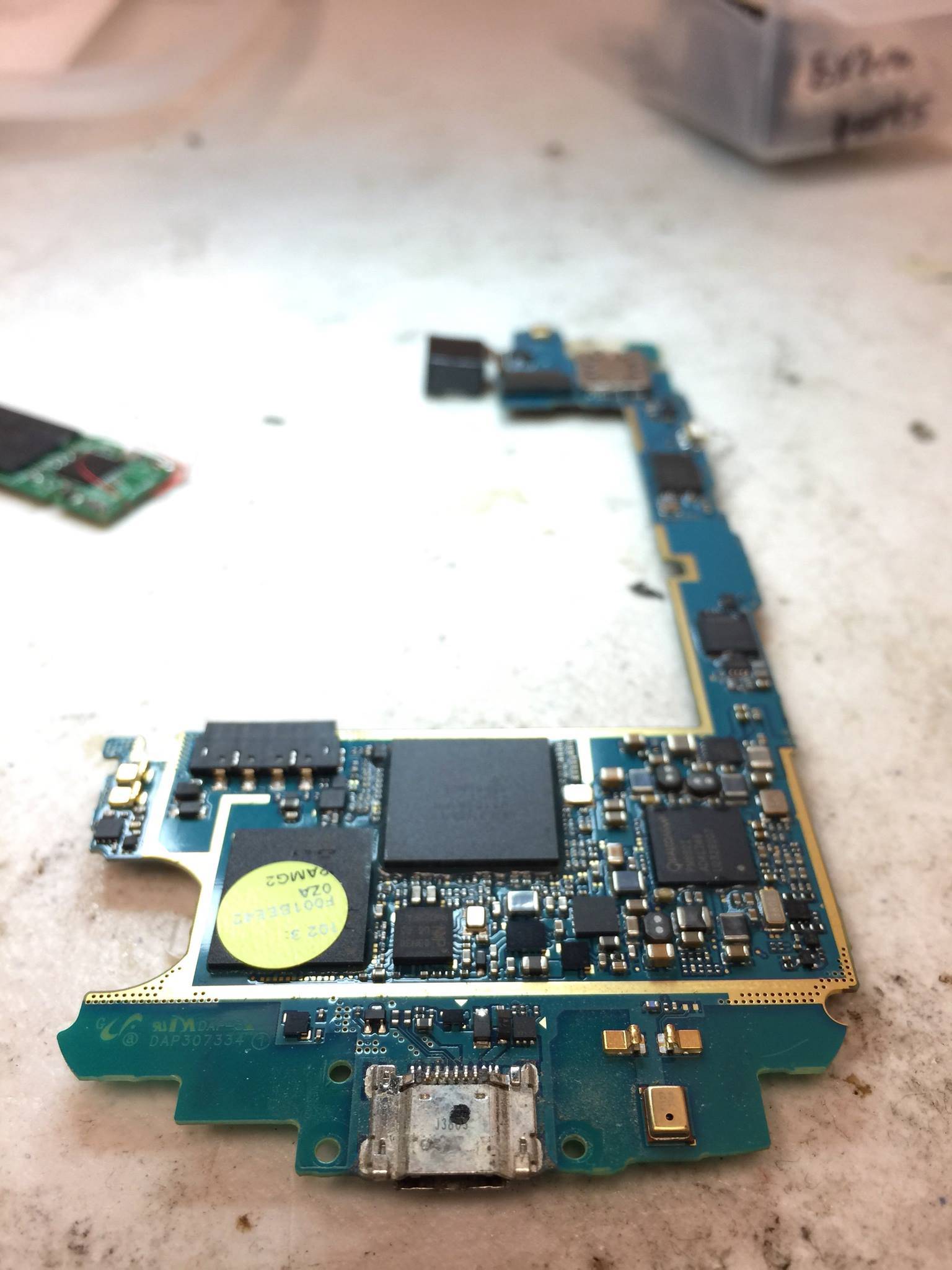
    • This is another common issue that cellphone repair shops frequently deal with. Charging ports can be vulnerable to damage. This is because if a phone is accidentally yanked while it is charging, it can harm the port. Over months or years of use, this or similar events can happen many times.

Conclusion On Cell Phone Repair

In some circumstances, it may be impossible to repair your phone, and you may be required to buy a new one. For example, water damage can oftentimes ruin a phone beyond repair.

However, in many circumstances, cell phones can be repaired. Repairs can be cheaper, faster, and significantly more convenient than buying a brand new phone. This is especially true for cracked screens, broken home buttons, and broken charging ports, three of the most common phone issues.

If you are looking for a great cell phone repair shop, RockIT Repairs is a great option. RockIT Repairs can repair all of your cell phone issues, and they can get the job done quickly and professionally. So, next time your phone breaks, don’t just automatically assume replacing it is the best thing to do. Fixing it may be the better option by far!



/ By Jonathan Hawkins / Phones / 0 Comments

You’re on the phone with a far-away family member, beloved significant other, or important work-related client. You hurriedly gasp, “Hello, are you there? Hello? Are yo-” click, you just lost cell phone service. Smartphones are expensive and high-tech enough — shouldn’t they reliably hold a signal?

Oftentimes, the problem isn’t your smartphone. Several factors weigh into smartphone call quality. Let’s learn how you can improve call quality without picking up a new carrier or buying a new device.

Remove your smart phone case

Many of us equip our expensive, fragile smart phones with aesthetically-pleasing or sturdy cases. Cases often protect against screen shattering, an inconvenient view-limiting problem most of us have dealt with. However, cases take away from call quality and increase the frequency of dropped calls.

Consider removing your smartphone’s case whenever you receive or make calls. You don’t have to remove your case permanently and never reattach it — just remove it when you need it.

Connect to other service towers

Cell phone calls work by transmitting packets of data to nearby service towers, then remitting them to whoever’s on the receiving end of the call. There may not always be other towers to choose from in particular areas, namely rural areas. Whenever you are around multiple towers and receiving bad call quality, switch to another service tower.

Remove obstructions from your direct proximity

The more cluttered your immediate surroundings are, the less likely your phone calls will be of higher quality. If at work or home, remove tall, bulky objects from windows. While driving, roll down your windows or sunroof.

Invest in a signal booster

Signal boosters can be directly attached to your smartphone, installed in your car, or added to your home or workplace facility. These helpful devices amplify the signals transmitted from your phone to nearby service towers. The technology behind signal boosters is difficult to understand, but just know they work!

Still experiencing bad call quality after trying these helpful tips? Visit our Virginia-based experts at RockIT Repairs. Trained, certified service professionals fix phones, laptops, and other digital devices at our two Virginia locations.

/ By Jonathan Hawkins / Cell Phone Repair / 0 Comments

Thieves in the United States steal millions of mobile phones every year. Beyond offering services related to phone repairs, we also show customers how to improve their lives when using their phones and other devices. The following three security tips can help make dealing with phone theft easier:

Lock your cell phone

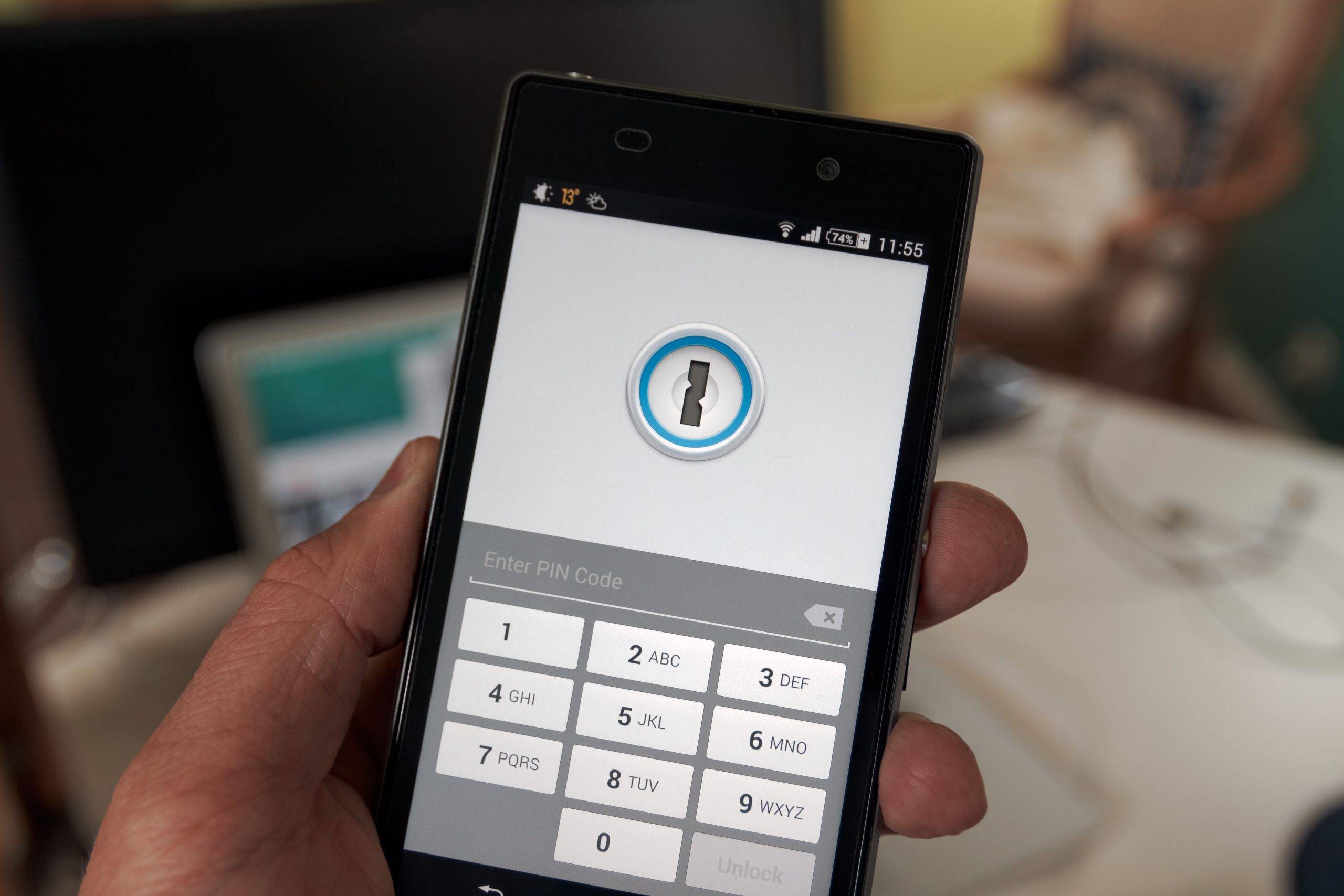
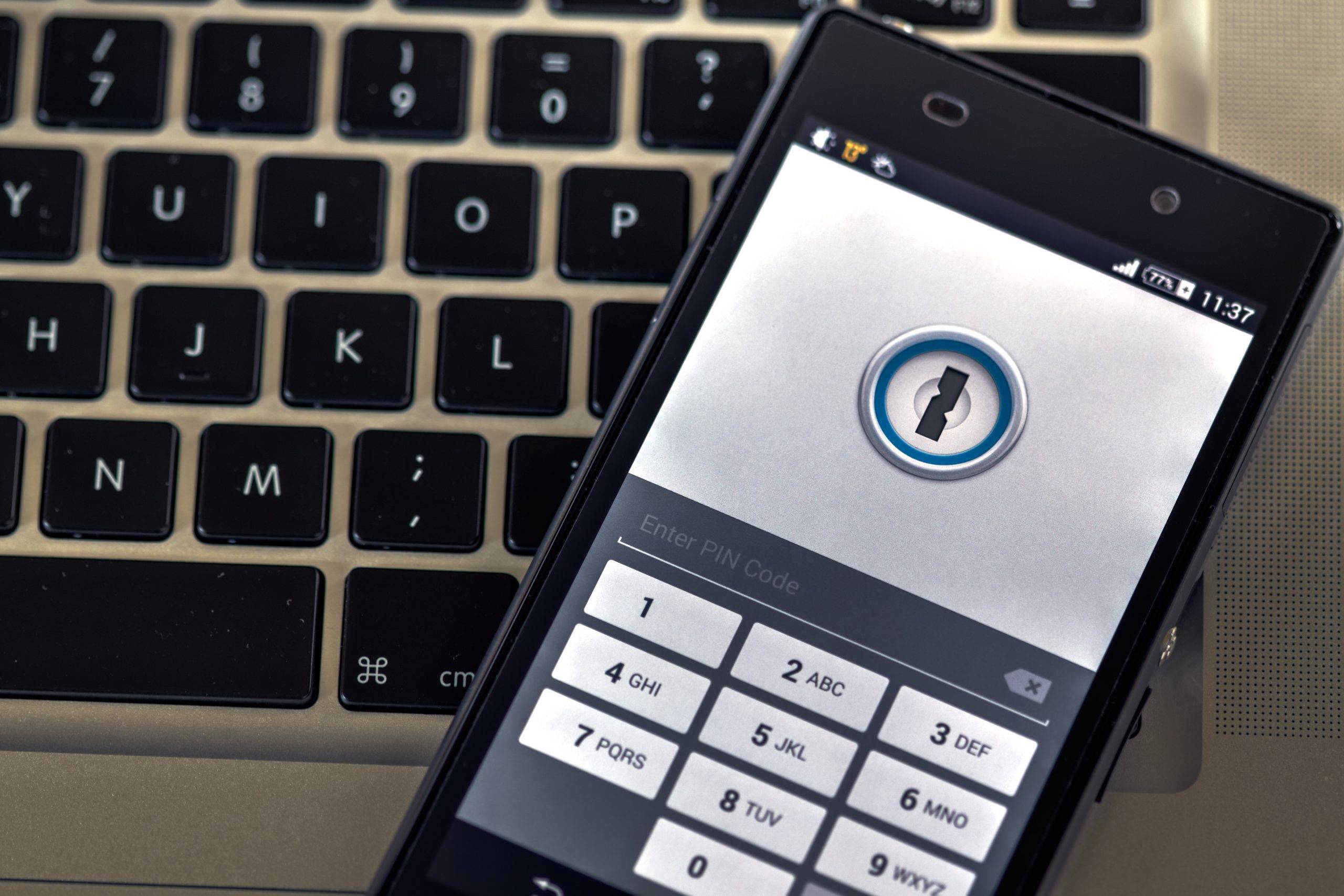
One of the most important theft deterrent features on your phone is its lock screen. Although thieves can find software for hacking phones, many thieves only take phones that offer them immediate open access. Make your phone unattractive by setting up the lock screen with a passcode, drawing or gesture and then using the lock every time you’re away from it.

Install hidden tracking software

You’re probably already familiar with geolocation trackers that allow you to share your phone’s location on social networks so that family, friends and followers know where you’re located at any given moment. Although you can sometimes use this software in a pinch to find a stolen phone, thieves typically turn off obvious tracking apps. Instead, install remote access GPS tracking software that has been specially designed by a security firm to remain hidden until needed.

Change your outdoor behaviors

Your behavior has a direct impact on whether you become the victim of phone theft. Many people take unnecessary risks while running errands, enjoying a night on the town and traveling during business trips and vacations. In addition to using the lock screen, always check that you have your phone on you before leaving any location. People frequently leave behind their phones accidentally in cars, on retail store counters and restaurant or bar tables, and at gas station pumps. They also commonly lose their phones on seating in public transportation vehicles, movie theaters and churches.

At our two RockIT Repairs Virginia cell phone repairs shops, our expert technicians can help you repair damage to a retrieved stolen phone and show you additional tips and tricks for keeping your phone data safe from thieves. We provide both local and long-distance cell phone repair technical support. For more information, contact us by phone or email today.

/ By Jonathan Hawkins / Laptops / 0 Comments

Many of us, at some point, have experienced an issue with our technology, and when it comes to laptops, our precious data stored on them can risk being lost. Don’t panic when these problems happen. Follow these tips to help get your data restored.

Accidents

There are a number of scenarios that cause a laptop to either freeze or completely shut down. You may have experienced a power surge, spilled liquid on the keyboard, or even dropped your laptop. These are common occurrences that cause the laptop to break and become inaccessible.

Your first thought is probably how you are going to retrieve the stored information. You can attempt to dry off the keyboard and store the laptop upside down to regain access. For minor spills, this may work, but may take some time for the components under the keyboard to dry out. If there was a power surge you should attempt to reboot the laptop. If you notice any odors immediately turn the laptop off and remove the battery. For a dropped laptop, you can remove the battery and then replace it and attempt to turn it on. If none of these attempts are successful, it is time to enlist the help of a professional to retrieve your valuable data.

Finding someone to perform data recovery

Data recovery is possible for laptops and USB devices when the unexpected happens. You can find a company that provides data retrieval and device repair through an internet search or from the recommendation of a friend or a family member. Always use a reputable company that has excellent customer reviews. One such company is Rockit Repairs. They not only offer laptop data recovery, but they also offer cell phone repair, Kindle repair, and Xbox One repair. They have the skills and trained staff to successfully perform data recovery and repairs quickly. Next time accidents happen to your technology, you know exactly what to do.

Laptops and other technology break or succumb to accidents periodically. Never fear though, there are things you can do to remedy the situation or get the repairs and data retrieval you need.

/ By Jonathan Hawkins / Phones / 0 Comments

In our modern age of technology, most children are currently growing up with an almost instantaneous awareness of smartphones, tablets, and other devices. While these can be used for entertainment and educational purposes, there’s no denying that handing over your personal phone to your eager three year old can be cause for concern if you don’t have a few safety features in place to not only keep your phone safe, but your child as well.

1. Lock it up

The easiest way to keep curious little eyes and fingers from getting into things they shouldn’t is to lock your phone down in a way that makes almost all of the features inaccessible to anyone but yourself. If you have an android phone, you can “pin” a kid-friendly app to the home screen that won’t budge unless the correct sequence of buttons is pressed, so your child can play their favorite game without wandering too far into the rest of your phone. iPhones have a similar feature called “guided access” that keeps all functions such as volume, power, and searching turned off, while also restricting certain portions of the screen if needed. There are also several apps that will serve the same purpose of locking your phone instantly, and they will not allow outside access unless a parent disables it.

2. Shatter-proof it

You can’t prevent occasional mishaps from occurring, but you can protect your phone from excessive damage when they do happen. If your child is playing with your phone, the chances are high that eventually it’s going to be dropped or covered in any number of various foods or liquids. Save yourself a trip to the cell phone repair shop and invest in a shatter proof screen cover as well as a heavy-duty protective case like an Otter Box.

3. Set parental controls

Whether your child is a toddler or in high school, there are plenty of ways for them to potentially get into trouble on your phone. Be proactive and prevent your kids from coming across anything adult-oriented or dangerous by setting the parental controls on your phone, or by downloading apps that offer additional parental controls. Depending on your phone or app, you can monitor camera usage, restrict internet search options, and even track where your child goes if they take your phone with them.

Accidents happen, especially with children, but all of us here at Rockit Repairs are available to help if your cell phone succumbs to the sticky fingers or general roughness of your kids. Feel free to contact us if you have any questions or concerns.